Moebius Minecraft Garden
goals & outcomes
- Master the basic essentials of precise 1 Point Perspective
- Render Perfect 3D Primitives in 1 Point Perspective
- Render Circles as Ellipses in 1 Point Perspective
- Utilize Dynamic Composition with a Foreground, Background and Midground
- Practice Moebius style rendering with Technical Pens (Micron type)
- Develop the basic illustration steps of research, development & finish
- Maintain consistency through style, form language, and technique

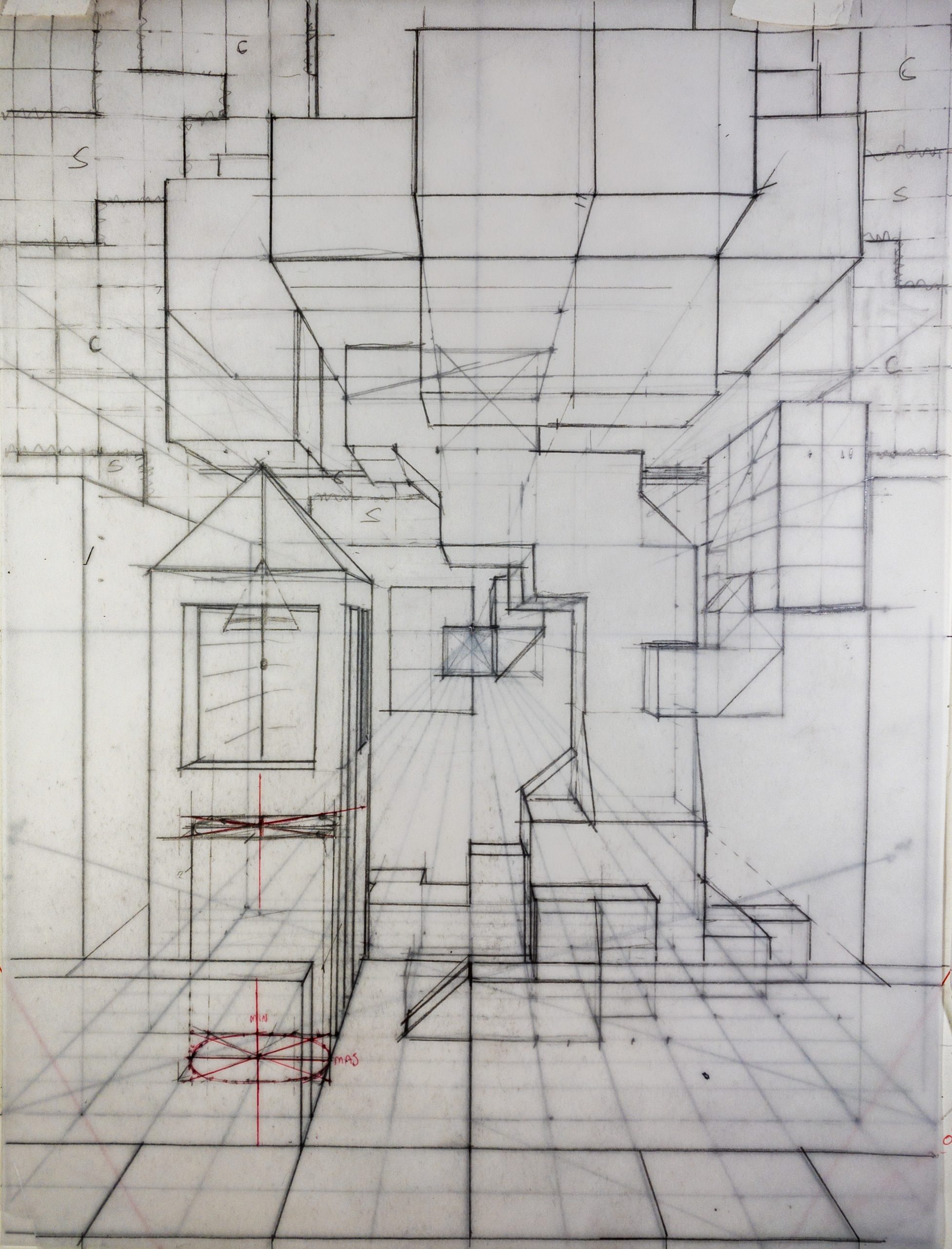
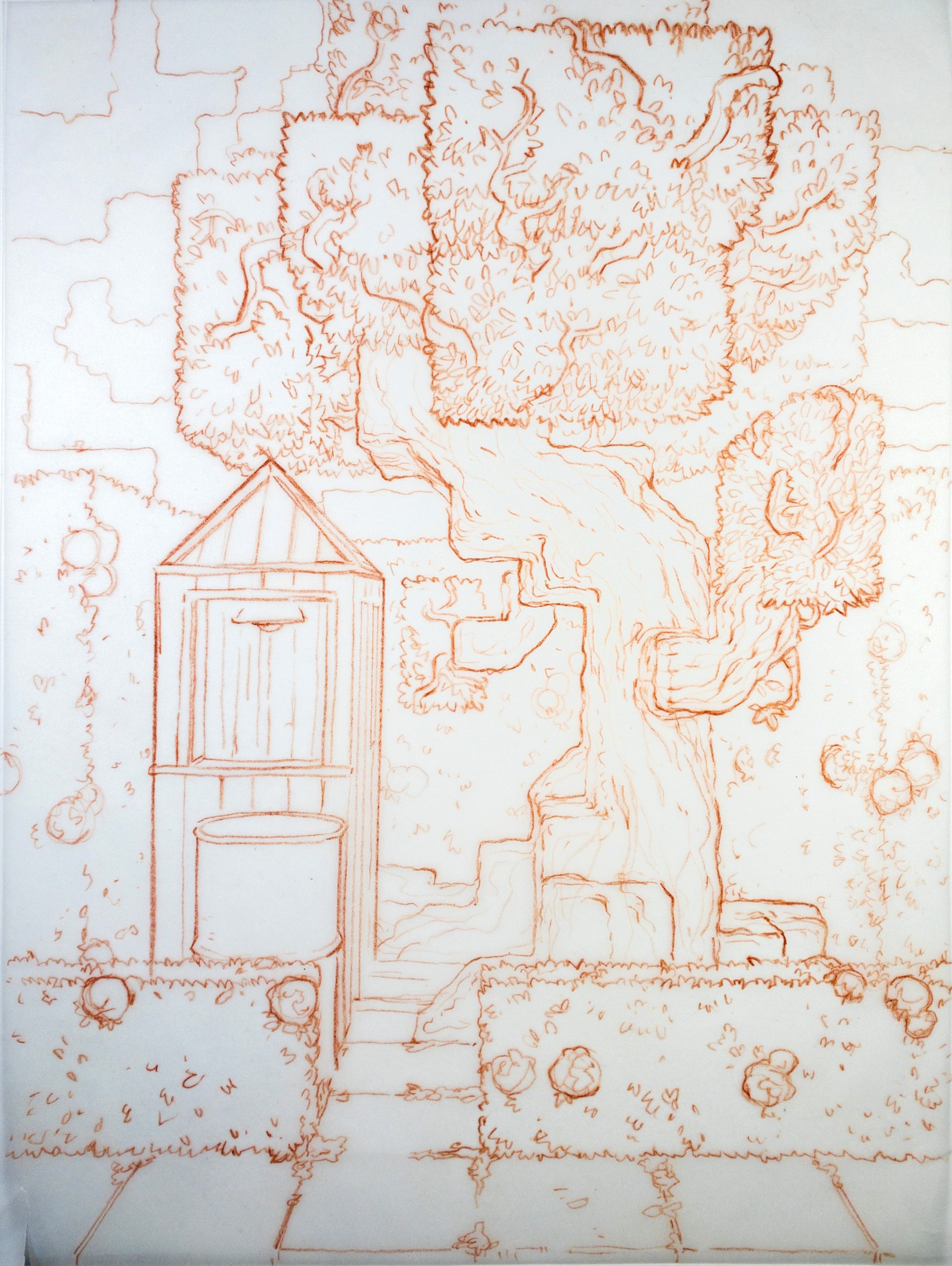

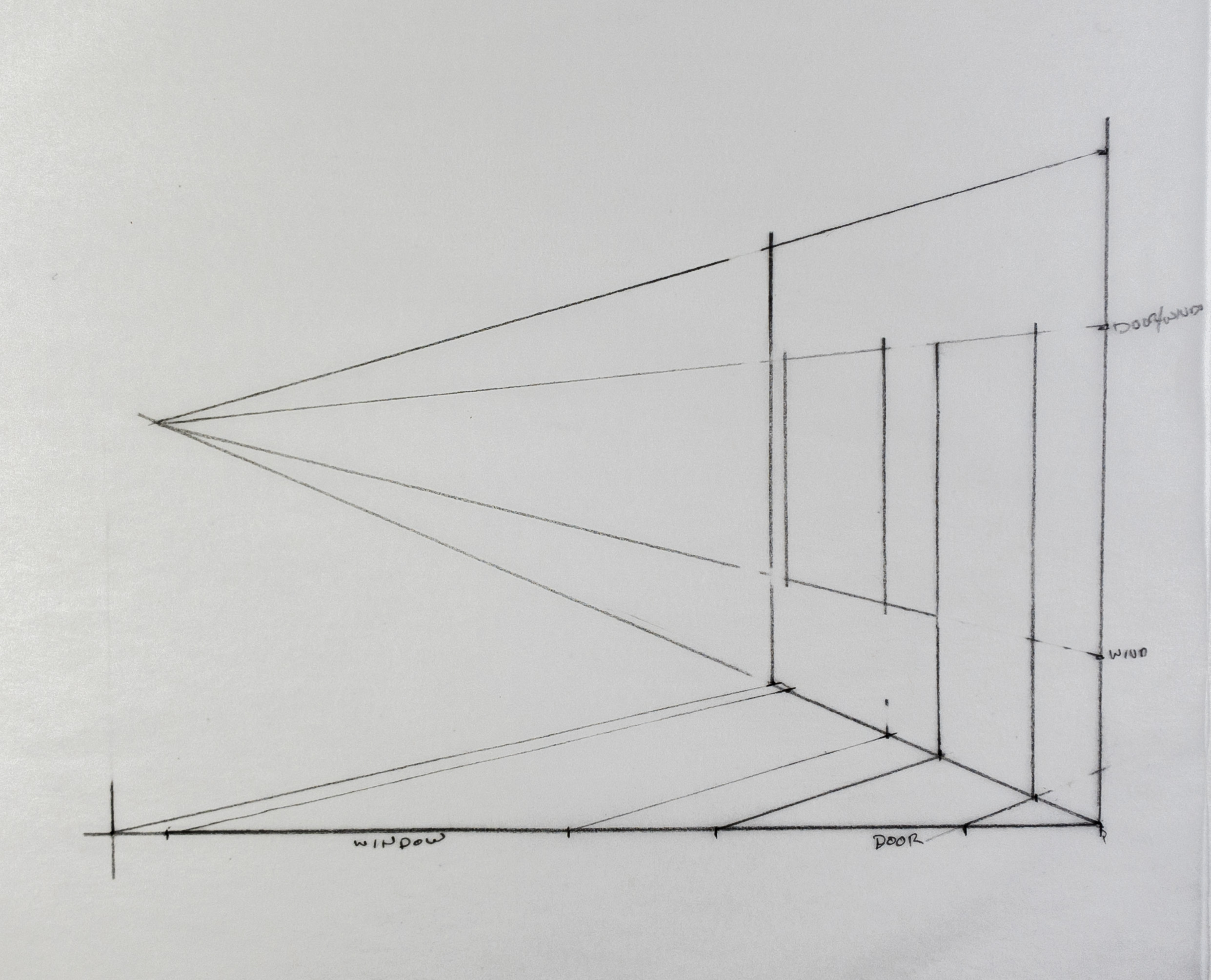
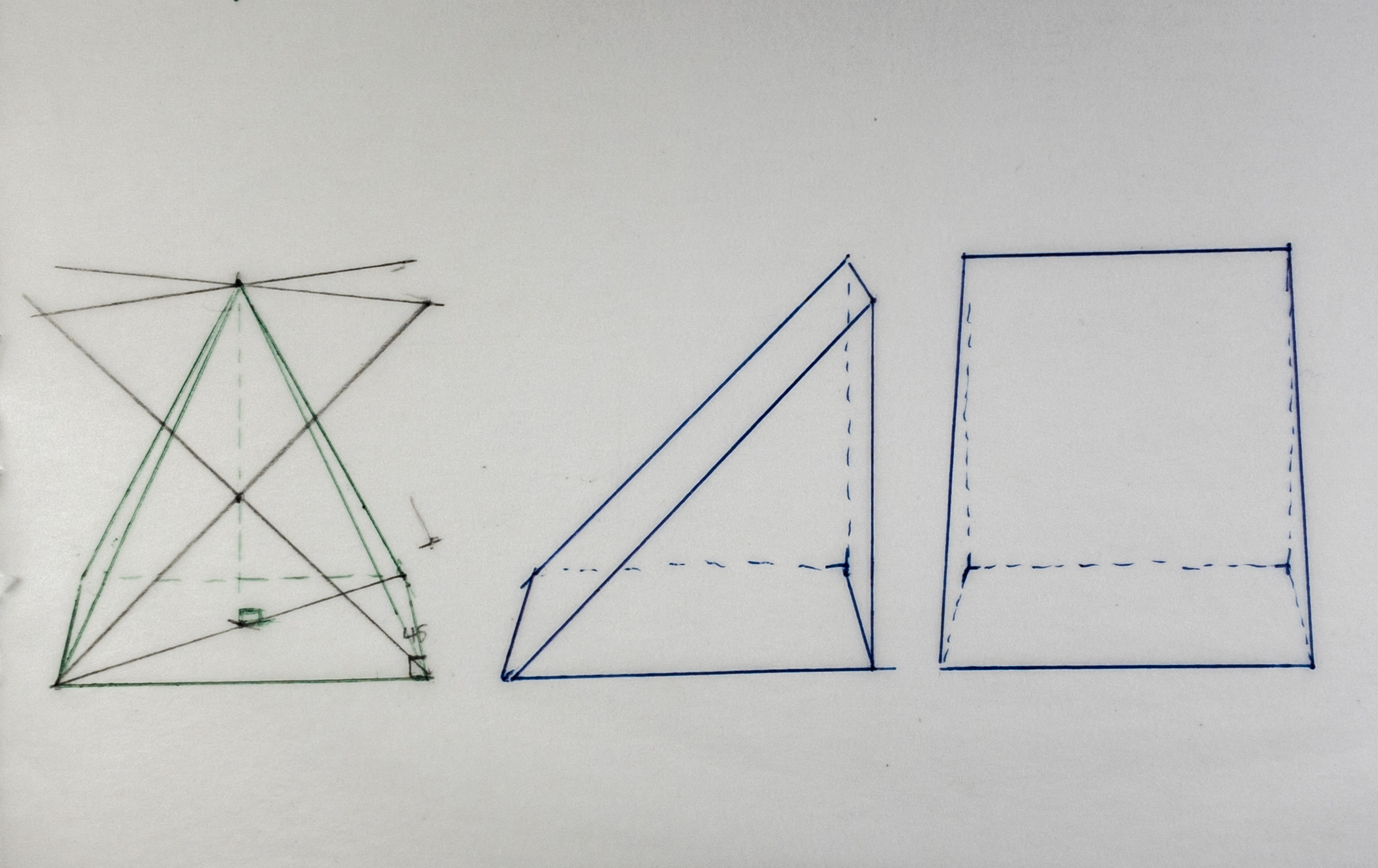
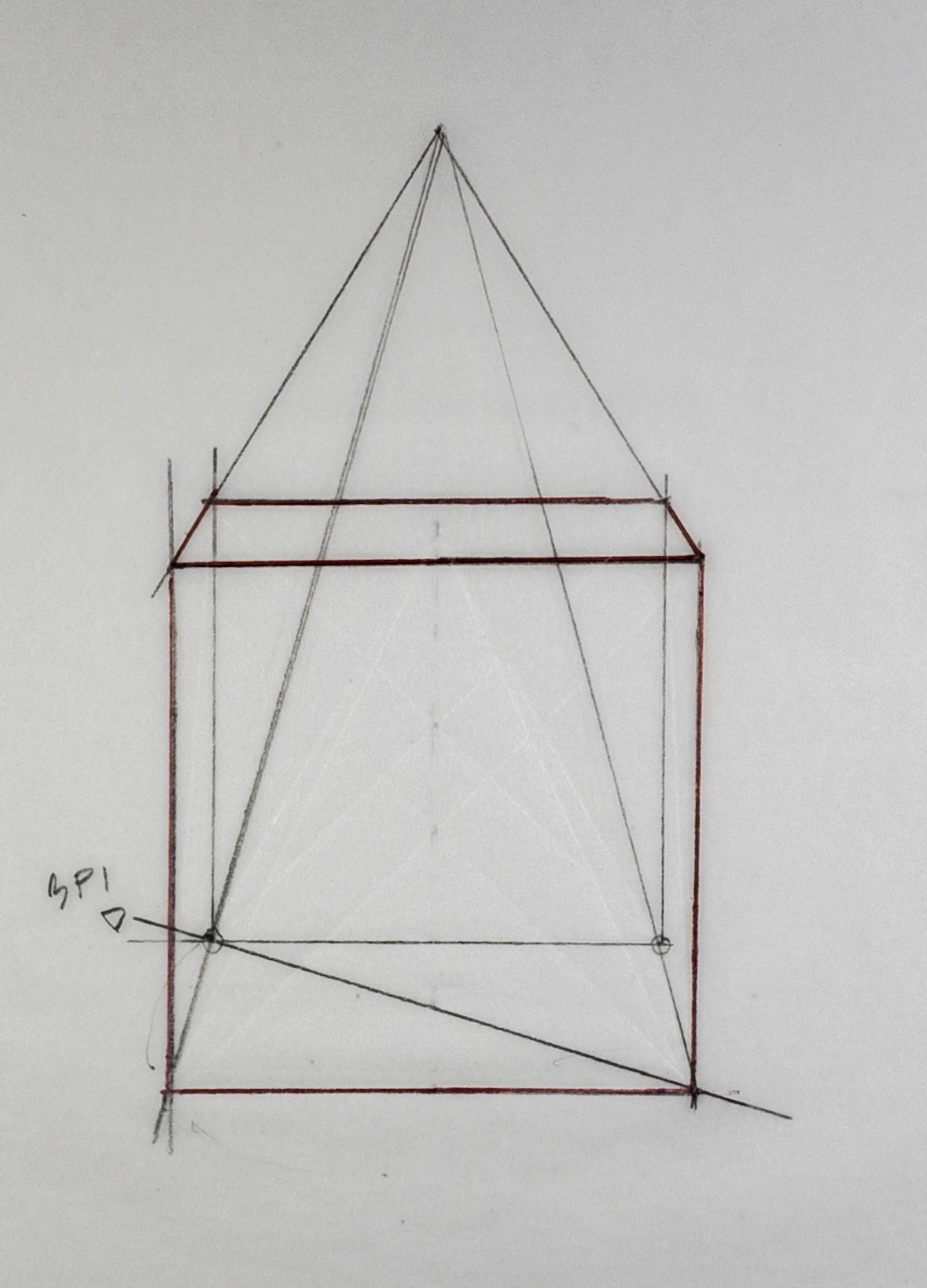
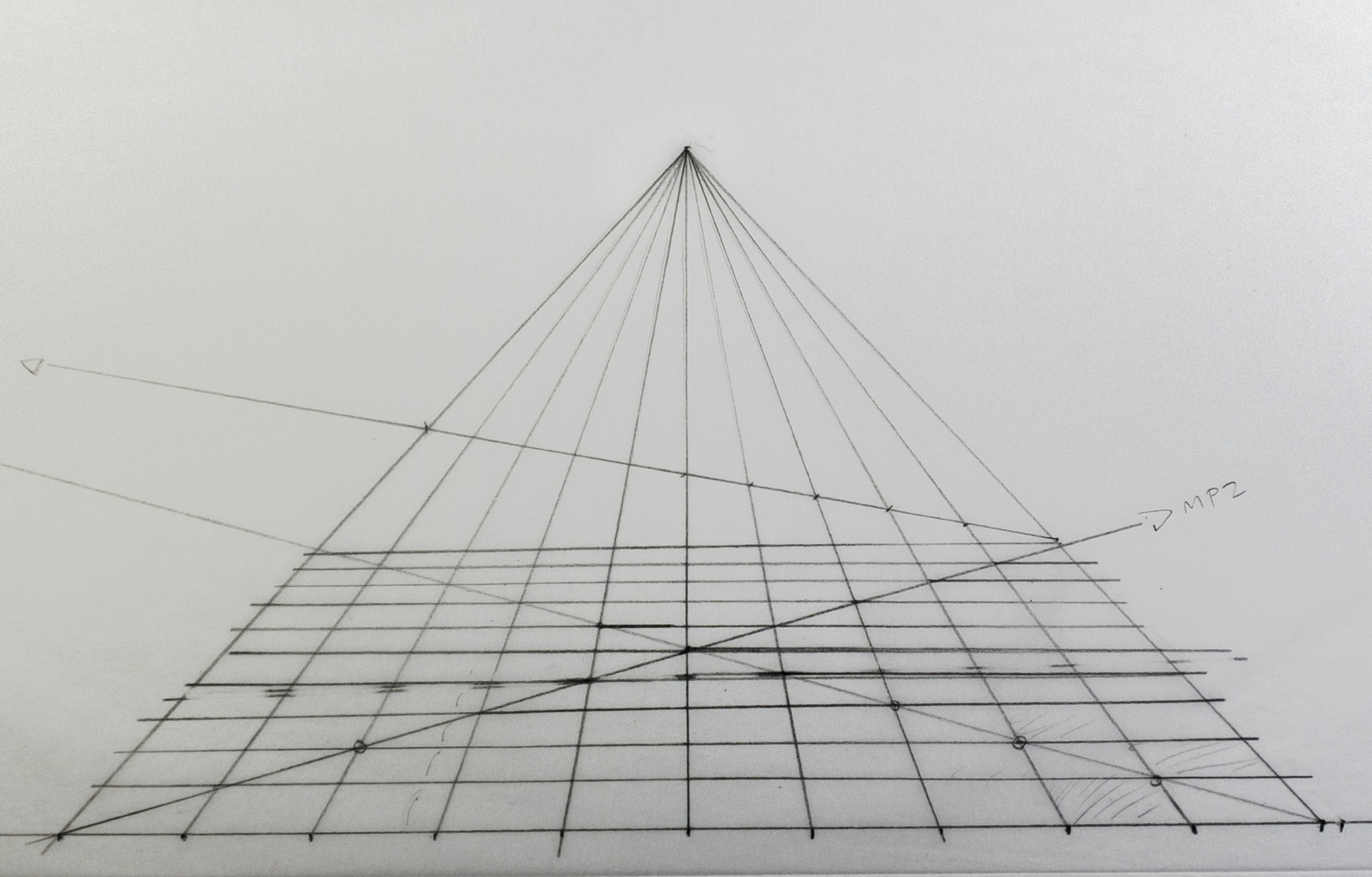
Welcome to 1 Point Perspective and The Moebius Minecraft Garden!
During this course you will learn to understand and manipulate 1 Point Perspective, Basic Primitives, and the creation of space in a dynamic composition through the use of Foreground, Midground & Background. Basic Primitives are used to construct a scene while keeping their character as a practical application of Form Language, then study and apply textures to their surfaces.
You will also master the Technical Pen through the study and imitation of the master comics artist Moebius (Jean Giraud) to develop the final illustration and textures.
Watch each video, calmly listen, move on to the Activities, then try out the processes as you see instructed in the video. Carefully complete them IN ORDER! The demos help you understand the technical concepts built into the final project. They are vital to complete before each and every Activity.
Good luck and be sure to share your work and progress on Instagram with the tag #myartprofessor!
past students' final projects!


Would you like to submit some work to share with other students and get featured in the gallery?
What you’ll need!
Art Supplies
0
1 Point Perspective Basics 01
Demo: Anatomy of 1 Point Perspective
0
Demo: Set Up for 1 Point Perspective
0
Demo: The Square in 1 Point Perspective
0
Demo: The Grid in 1 Point Perspective
0
Activity: Set Up, the Square, & the Grid
0
Demo: The Cube in 1 Point Perspective
0
Activity: The Cube in 1 Point Perspective
0
Demo: Basic Primitives in 1 Point Perspective
0
Activity: Basic Primitives in 1 Point Perspective
0
Project: Minecraft Garden Part 01
Ground Grid
0
Rough Concept
0
Sidewalk & Garden Wall
0
Roots & Stump
0
Trunk
0
Branches
0
1 Point Perspective Basics 02
Demo: Accurate Ellipses
0
Activity: Accurate Ellipses
0
Demo: Round Primitives
0
Activity: Round Primitives
0
Demo: 1Pt Schematics
0
Activity: 1Pt Schematics
0
Project: Minecraft Garden Part 02
Leaves
0
Shed
0
Bin & Lamp
0
Details Part 01
0
Background
0
The Rough
0
Technical (micron type) Pen Inking Technique
Technical Pen Basic Techniques
0
Demo: Basic Moebius Technique
0
Activity: Basic Moebius Technique
0
Demo: Contours & Moebius
0
Activity: Contours & Moebius
0
Moebius Copy Study
0
Demo: Value & Texture
0
Activity: Value & Texture
0
Project: Moebius Minecraft Garden Part 03
Texture Primitives
0
Texture Primitives Timelapse
0
Activity: Texture Primitives
0
The Comp
0
Comp Finish Timelapse
0
Transfer the Comp
0
Begin Inks
0
Final Inks Timelapse
0
Conclusion
Conclusion
0